Skip to content
WR
3 chapters

Posture & Work Techniques

Desk setup, posture, and the small technique fixes that keep a long work day from wrecking your neck and back.

Start reading

The full read-through

3 chapters, in order. Each stands on its own, but they build.

All topics
  1. A desk arranged with the screen raised to eye level and the keyboard pulled closePosture & Work Techniques

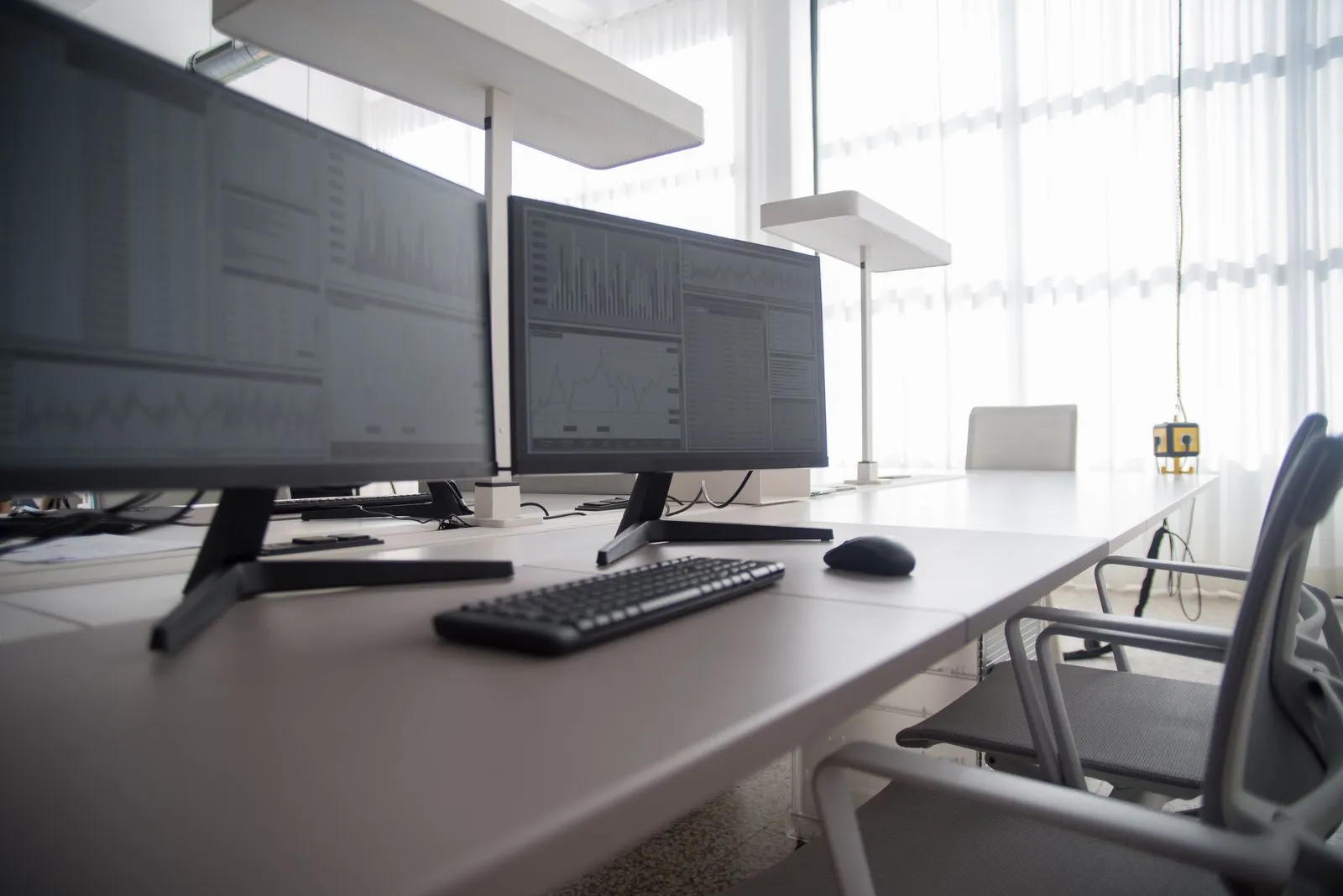
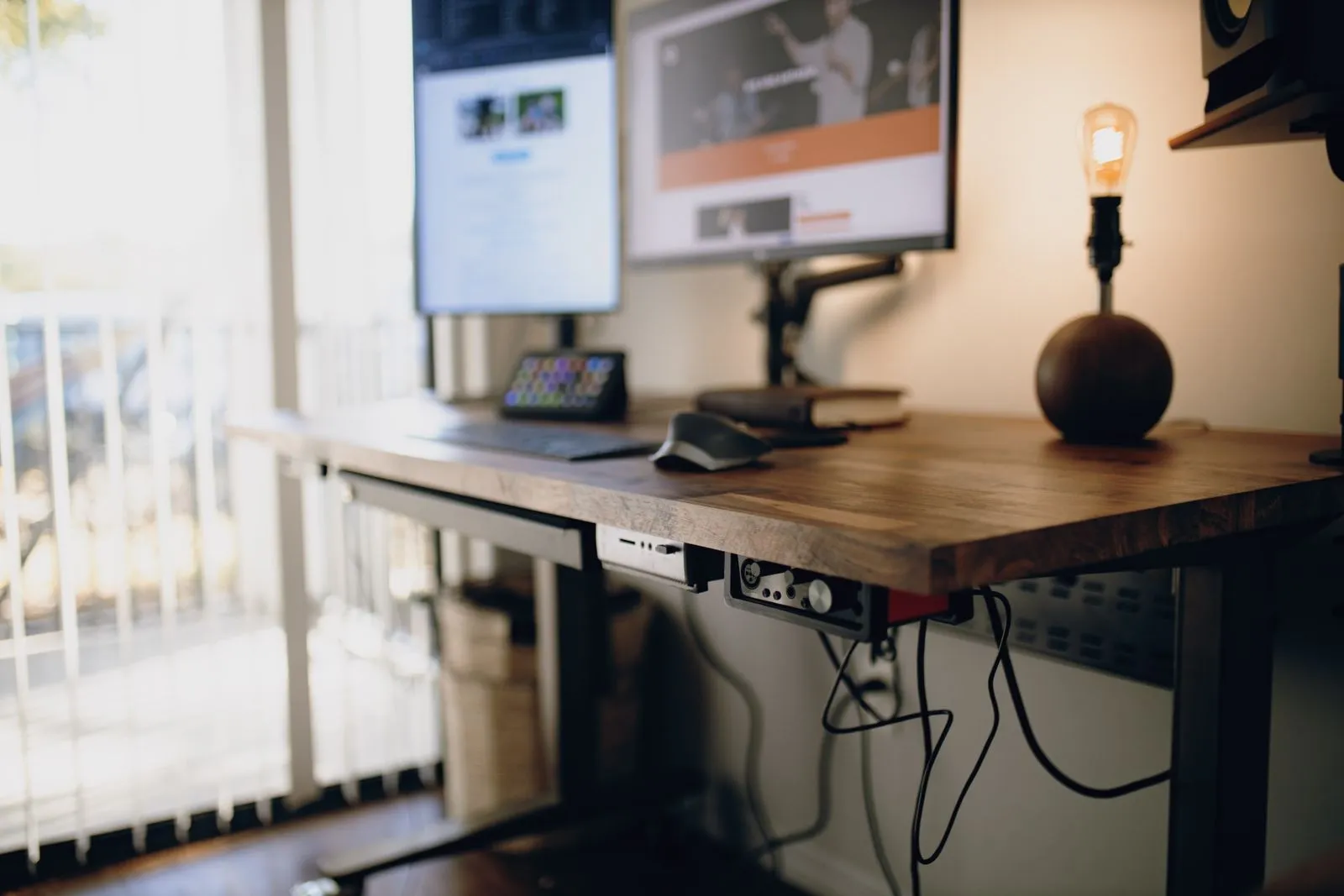
    How do I set up my desk to protect my back?

    Set it up from the body outward: feet flat, hips slightly above knees, lower back supported, elbows near your sides, screen top at eye level about an arm away. Then design for change, because the research is clear that no single position protects a back. The setup that helps is the one you can move around in.

    12 min read
  2. A person sitting comfortably and supported at a desk, leaning back slightlyPosture & Work Techniques

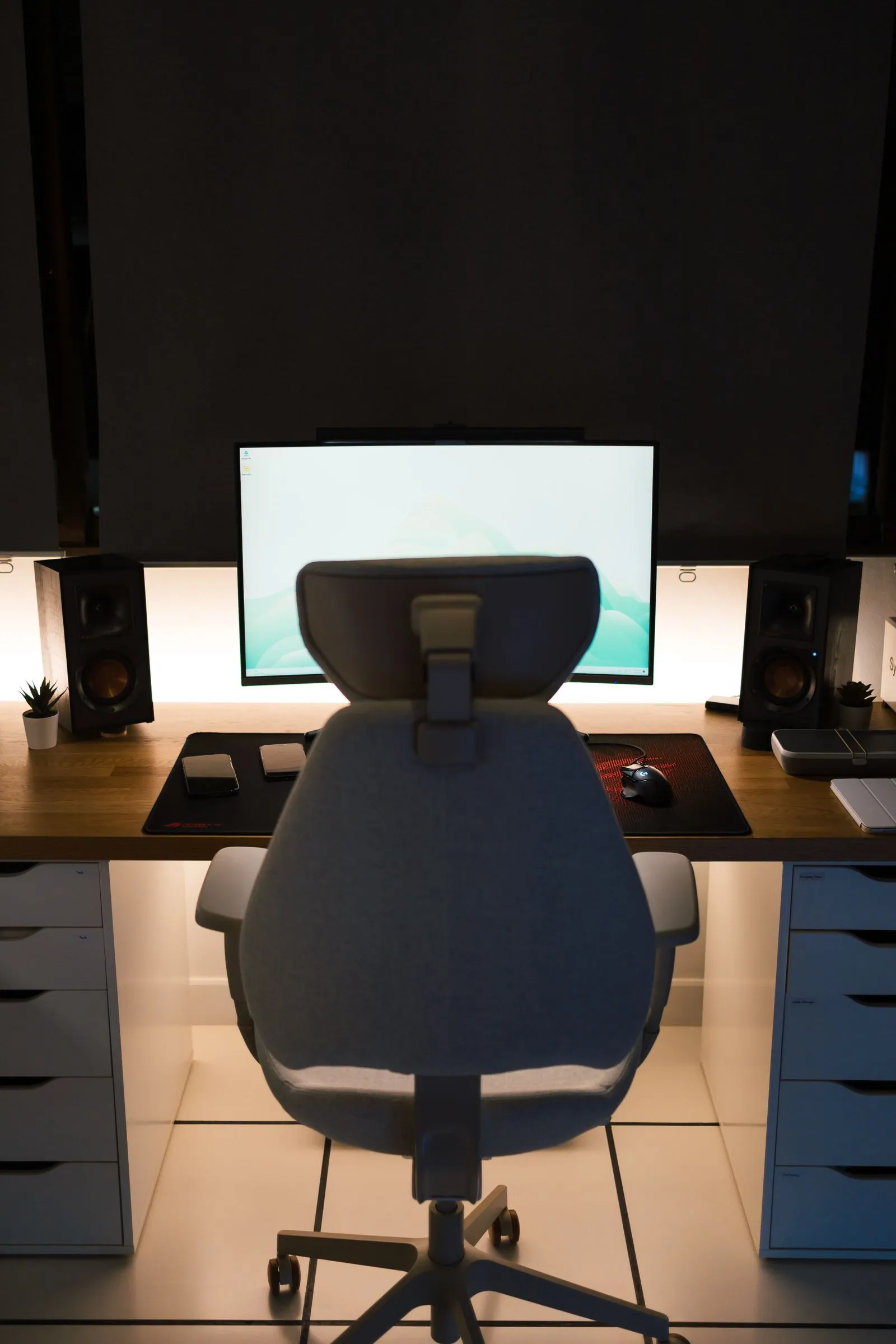
    What does good sitting posture look like?

    Good sitting posture is a range, not a position. Feet supported, weight through your sit bones, lower back supported when you lean back, screen where your eyes fall naturally. Then change it every twenty to thirty minutes. Researchers who study this have found no single posture that protects a back, so comfort and variety are the targets.

    11 min read
  3. A person doing a resistance-band row to strengthen the upper backPosture & Work Techniques

    How do I fix rounded shoulders from computer work?

    Train the upper back rather than stretching the chest and hoping. A Danish trial found two minutes a day of resistance-band lateral raises, five days a week, produced clinically meaningful drops in neck and shoulder pain over ten weeks. Add a doorway chest stretch, raise your screen to eye level, and give it eight weeks.

    12 min read